

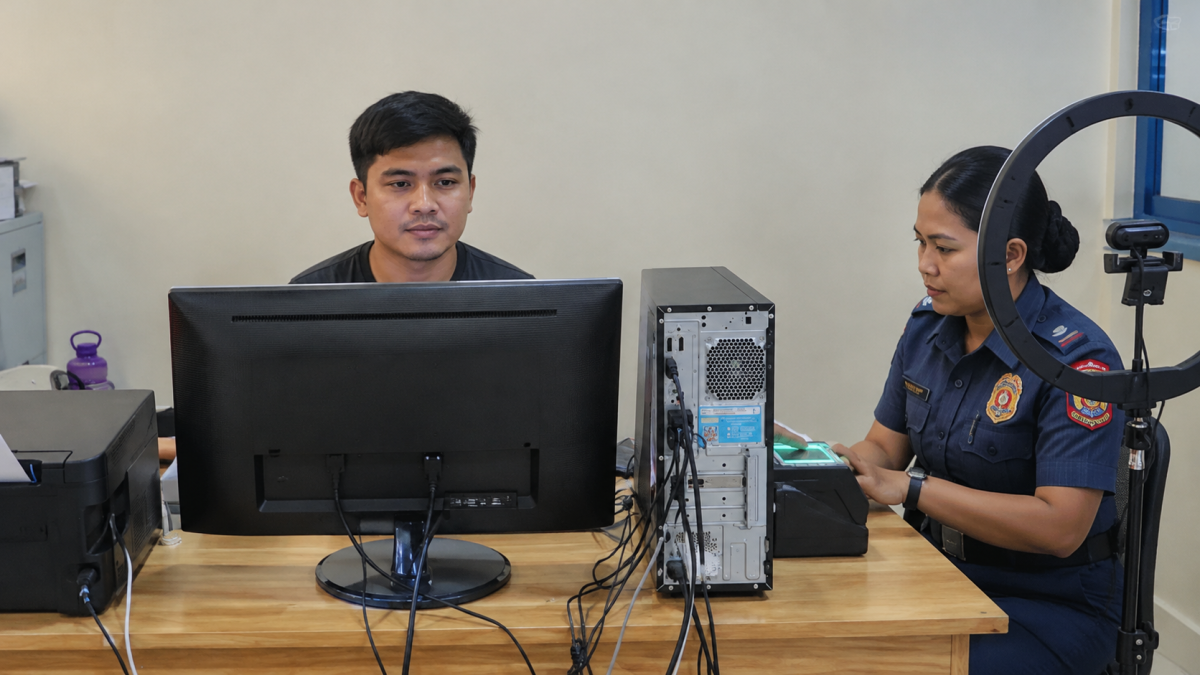
Philippine police clearance online application procedures have transformed how local citizens secure vital employment documents, government credentials, and travel papers. Gone are the days of spending hours waiting in long physical queues at local stations. Today, the Philippine National Police (PNP) utilizes the centralized National Police Clearance System (NPCS) to streamline record verification. Whether you are applying for your first job or renewing a professional credential, understanding how to navigate the portal correctly prevents costly delays.
Understanding the National Police Clearance System
The official NPCS portal operates as a unified national database, meaning your clearance record is centralized regardless of where you pull it from. Unlike local police clearances issued by specific barangays or municipal stations in previous decades, this national clearance covers your records nationwide. According to consumer protection guidelines and administrative requirements overseen by local agencies like the Department of Trade and Industry (DTI), ensuring official compliance starts with utilizing authentic government portals. When navigating online, make sure you access only the official portal at [https://pnpclearance.ph](https://pnpclearance.ph) to protect your personal data from phishing clones and third-party fee-inflating intermediaries.
Essential Requirements Before You Begin
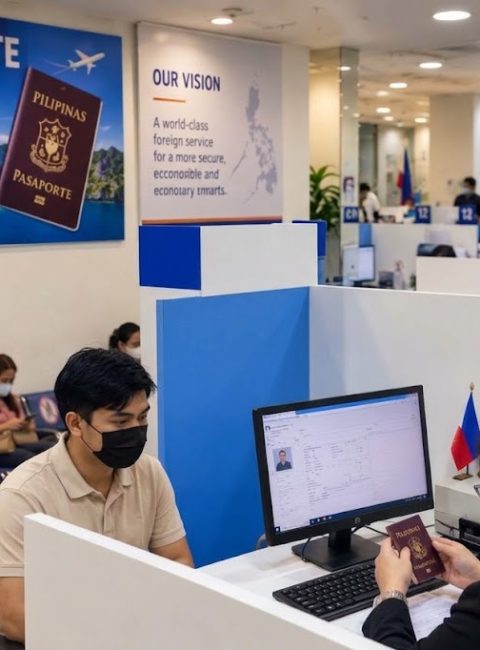
Before logging onto the system, gathering your verified identification documents prevents registration errors that can delay your appointment. The PNP strictly requires original, valid government-issued IDs. Accepted documents include:
- Philippine Passport
- PhilSys National ID
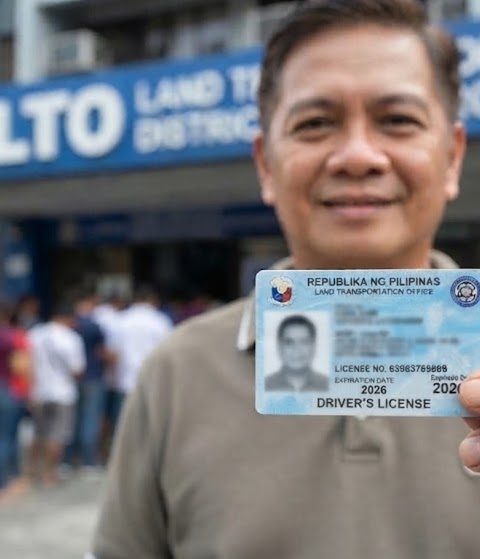
- Driver’s License
- Postal ID (Plastic card version)
- Unified Multi-Purpose ID (UMID)
- Voter’s ID or Voter’s Certification
First-Time Job Seekers Note: Under Republic Act No. 11261 (First-Time Jobseekers Assistance Act), fresh graduates and first-time job seekers are exempt from paying government fees for clearance documents, provided they present a valid barangay certification stating they are looking for their first employment.
Step-by-Step Online Application Process
Securing your document involves a seamless blend of digital registration and a brief physical visit for biometrics:
- Step 1: Account Creation and Profile Setup Visit the official portal at
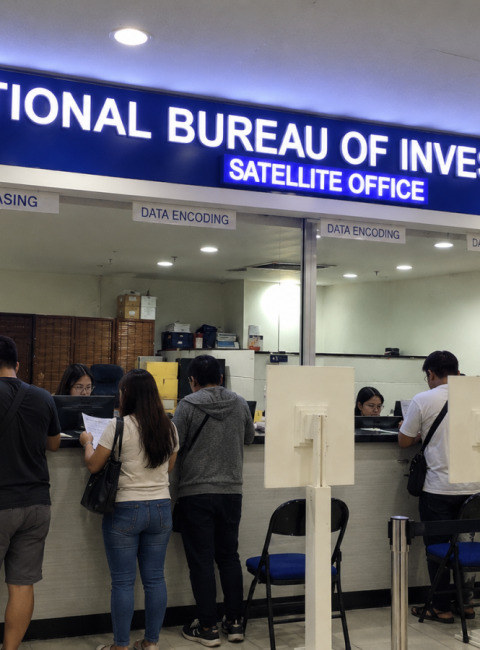
[https://pnpclearance.ph](https://pnpclearance.ph). Register an account by providing your active email address, personal details, and a secure password. Log in and update your complete profile information accurately. - Step 2: Schedule an Appointment Select your preferred police station or designated mall-based satellite center. Pick an available date and time slot for your personal appearance and biometric capture.
- Step 3: Payment of Fees Pay the required clearance fee through supported online payment gateways, electronic wallets (such as GCash or LandBank), or authorized partner payment centers. Save a digital copy or print your payment reference receipt.
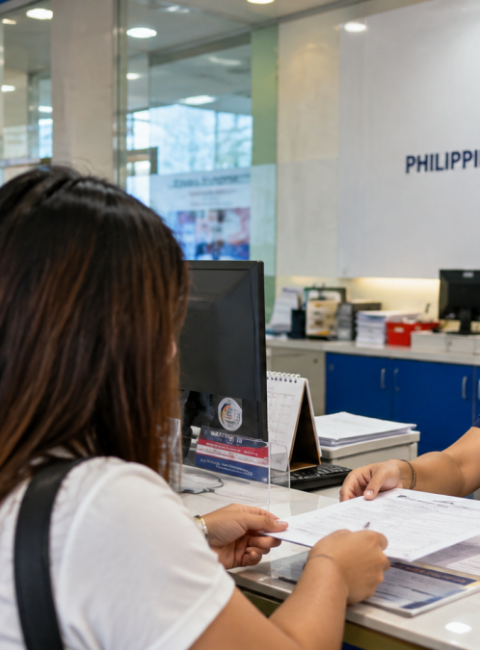
- Step 4: Physical Station Visit Proceed to your chosen police station on your scheduled date. Bring your printed payment receipt, original valid IDs, and your reference number.
Practical Troubleshooting and Pro-Tips for a Smooth Release
Navigating government processes can occasionally present unexpected hurdles. Applying firsthand insights from applicants who have successfully completed the workflow reveals several ways to eliminate friction:
- Handling a “HIT” Status: If your name matches someone with a similar record or pending case, the system may flag your application with a “HIT.” Do not panic; this is a standard administrative verification procedure. You will be asked to return on a specified date (usually within 3 to 7 working days) for further verification by the legal and investigation unit.
- Dress Code and Documentation Checklist: Police stations enforce strict dress codes for visitors. Avoid wearing sleeveless shirts, shorts, slippers, or hats during your biometric appointment, as entry may be denied by security personnel. Always bring printed hardcopies of your online application form and payment receipt alongside your primary ID, as relying solely on mobile phone screenshots can slow down verification windows.
- Clearance Printing Duration: Once your biometrics and photo are successfully captured at the station—and assuming you clear any name matches immediately—the actual printing of your physical certificate takes only a few minutes on-site.
About the Author and Editorial Integrity
Christine A. Bautista is a regulatory compliance researcher and investigative journalist who specializes in navigating Philippine administrative frameworks, consumer protection laws, and digital government transformation initiatives. With extensive hands-on experience tracking public sector digitalization projects, she provides verified, step-by-step guidance to help citizens secure official documents efficiently.
This article has been reviewed and fact-checked by the Buzz PH Editorial Board, ensuring strict alignment with E-E-A-T (Experience, Expertise, Authoritativeness, and Trustworthiness) standards and Google AdSense compliance guidelines.



 Facebook
 Twitter