

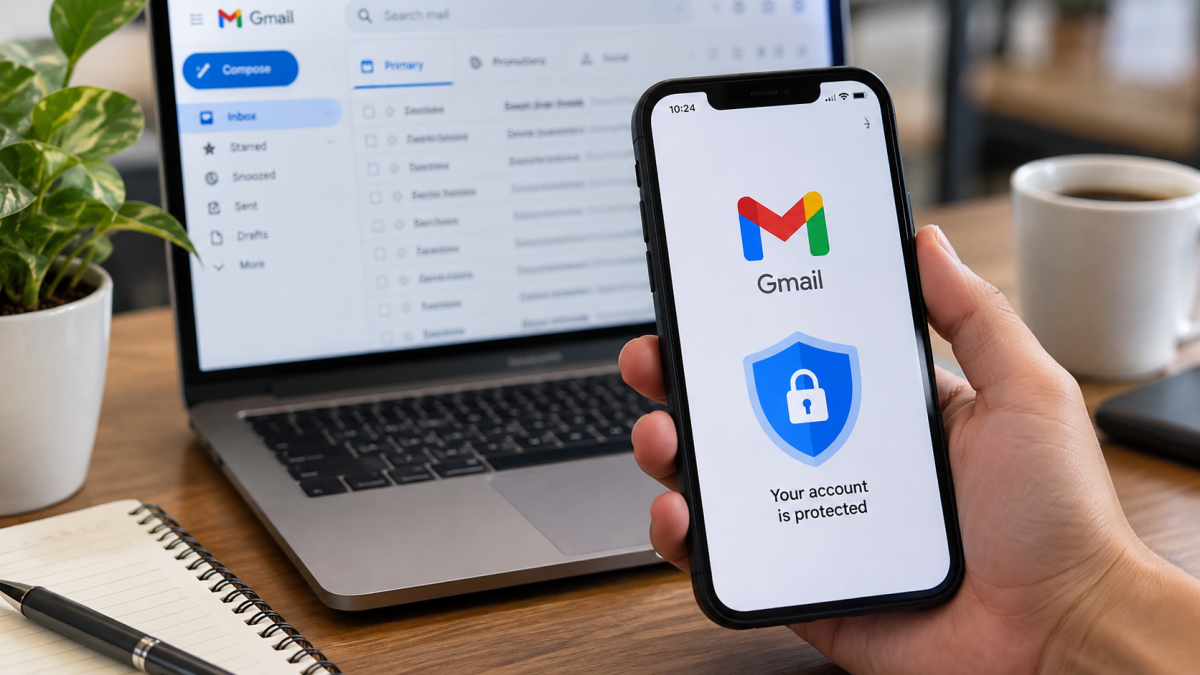
Understanding the Importance of Account Protection in 2026
To properly secure Gmail account defenses are more important than ever because your digital inbox is the central hub of your online life. For millions of Filipinos, your account is tied directly to online banking, e-wallets like GCash and Maya, government portals, social media profiles, and cloud storage.
If an unauthorized actor gains access to your credentials, the ripple effect can compromise your entire financial and personal life. Taking steps to secure Gmail account settings is no longer optional—it is a critical necessity for protecting your digital footprint against modern phishing scams and cyber threats.
Essential Steps to Secure Your Account
1. Run the Official Google Security Checkup
The fastest way to identify vulnerabilities is through Google’s centralized dashboard. Visit the official Google Security Settings page to review your security status, check connected devices, and verify recovery phone numbers and email addresses.
2. Strengthen 2-Step Verification (2SV) and Passkeys
Passwords alone can be easily compromised through keyloggers or phishing pages. Enable 2-Step Verification using hardware security keys, prompt notifications on trusted mobile devices, or biometric passkeys. Passkeys offer phishing-resistant authentication by relying on your device’s built-in fingerprint, face unlock, or PIN.
3. Guard Against Local Smishing and E-Wallet Scams in the Philippines
Cybercriminals frequently target Philippine users using deceptive SMS messages (smishing) disguised as alerts from local banks, telcos (Globe, Smart, DITO), or e-wallets (GCash, Maya).
- The Threat: Attackers send urgent text messages claiming your account has been locked or that you need to verify your identity through a fake link that mimics a Google or banking login screen.
- The Defense: Never click direct links in SMS messages regarding security alerts. Always navigate manually to official apps or use bookmarked official pages. Remember that Google and major financial institutions will never ask for your password or OTP via text message.
4. Audit Third-Party App Permissions and Email Forwarding
Attackers often maintain stealthy access to compromised accounts by setting up hidden email forwarding rules or granting permissions to malicious third-party apps.
- Regularly check your Gmail settings under Forwarding and POP/IMAP to ensure no unauthorized forwarding addresses are active.
- Review connected third-party apps and services with access to your account under the Google Security Dashboard and remove any unrecognized or outdated integrations.
Final Thoughts
Securing your digital life requires consistent vigilance. By taking advantage of built-in Google security tools, adopting biometric passkeys, remaining skeptical of local SMS smishing attempts targeting your e-wallets, and regularly auditing your account permissions, you can drastically reduce your risk of unauthorized access.
About the Author
Daniel H. Cruz is a digital security researcher and technology journalist specializing in online privacy, threat intelligence, and consumer digital defense across Southeast Asia. With over eight years of experience testing digital account hardening techniques and analyzing phishing trends in the Philippines, Daniel provides practical, step-by-step guidance to help everyday users protect their personal and financial digital footprints.





 Facebook
 Twitter